

3-column preview card

Solution retrospective
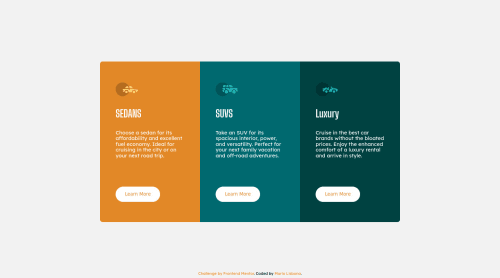
The only thing i found difficult was accessing the third card(Luxury) with .car-card:last-child I instead used .car-card:nth-child(3) and this allowed me to access the styles for the last card.
Apart from that i felt comfortable with this. I changed some initial settings on the main card class after getting some tips from @vanzasetia. I used REM and set the max-width to what i needed. I then used margins of each element to style the height of the container.
I also added a transform: scale() animation when the cards are hovered over.
Please log in to post a comment
Log in with GitHubCommunity feedback
No feedback yet. Be the first to give feedback on Mario Lisbona's solution.

Join our Discord community
Join thousands of Frontend Mentor community members taking the challenges, sharing resources, helping each other, and chatting about all things front-end!
Join our Discord