

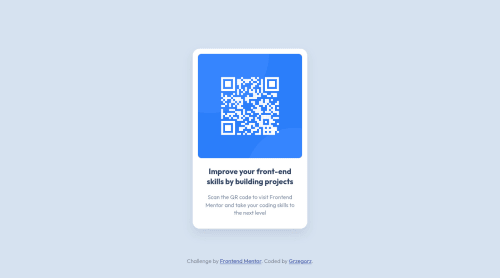
Absolutely positioned QR component. No flexbox or grid

Solution retrospective
Hey guys, this is my first frontend mentor project. I'm pretty satisfied with the results, although I have a few questions about my approach and typography.
- <h1> element text looked too sharp, so I set 'opacity' property to 90% to make it look more blurry. What do you think about this approach? What other technique would you recommend?
-
Due to using absolute position on 2 elements in the same container, those elements started overlapping with each other after viewport height decreased to about 660px. I fixed it with media query, but now it doesn't have that smooth transition while resizing the window (footer suddenly jumps below the viewport when reaching @media (max-height)). Was it a bad idea to use position absolute? If so, what approach would you recommend?
-
Did i make any stupid mistakes, or unnecessary code-repetition?
I'll be grateful for any feedback
Please log in to post a comment
Log in with GitHubCommunity feedback
No feedback yet. Be the first to give feedback on Grzegorz's solution.

Join our Discord community
Join thousands of Frontend Mentor community members taking the challenges, sharing resources, helping each other, and chatting about all things front-end!
Join our Discord