

Age Calculator App

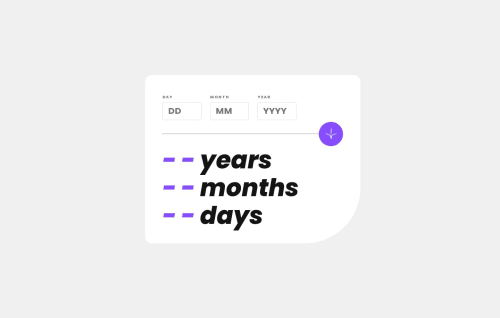
Solution retrospective
I love to use frameworks when working with React but I want to challenge myself to only work with JavaScript, HTML, and CSS where possible.
The form validation logic is purely JS though I do use React to set the variables for different states relating to the input. Within the year and day logic, I took leap years into account going back to 1952.
I also used JavaScript document.getElementByID to set the styles for the inputs and get their values within the function. Normally set the style with the CSS and get input values with onChange(), so it was pretty interesting to try this approach.
if (d === "") {
document.getElementById('dayInput').style.outline = "1px solid hsl(0, 100%, 67%)";
document.getElementById('dayLabel').style.color = "hsl(0, 100%, 67%)";
setIsDayFieldEmpty(true);
}
I'd love feedback on my JS logic, especially any tricks on how to trim it down. I'm considering replacing the if/else statements with a switch where possible.
Please log in to post a comment
Log in with GitHubCommunity feedback
No feedback yet. Be the first to give feedback on Cassidy's solution.

Join our Discord community
Join thousands of Frontend Mentor community members taking the challenges, sharing resources, helping each other, and chatting about all things front-end!
Join our Discord