

Submitted about 1 year agoA solution to the Blog preview card challenge
Blog preview card

@Eya-ben-aziza
Solution retrospective
What are you most proud of, and what would you do differently next time?
proud that:
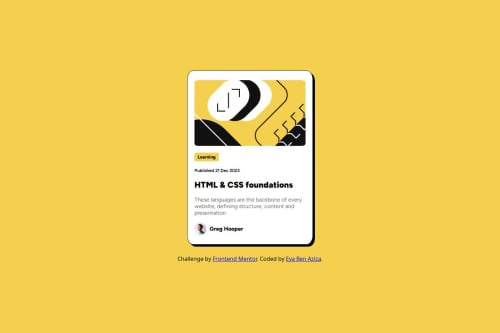
- I made it almost identical to the design given -I used flex and grid to place my elements what I would dodifferently next time: -I would opt for the more adequate property that matches the layout requirements, Since this time I used grid even though flex is more approriate just to try the grid property.
The challenge was quite simple and enjoyable. The main challenge was placing the elements correctly but using flex made everything easier and smoother.
What specific areas of your project would you like help with?Actually I am wondering about this part : See hover and focus states for all interactive elements on the page. which elements should be with hover and focus states? I think I missed that part
Code
Loading...
Please log in to post a comment
Log in with GitHubCommunity feedback
No feedback yet. Be the first to give feedback on Eya-ben-aziza's solution.

Join our Discord community
Join thousands of Frontend Mentor community members taking the challenges, sharing resources, helping each other, and chatting about all things front-end!
Join our Discord