

Submitted 11 months agoA solution to the Blog preview card challenge
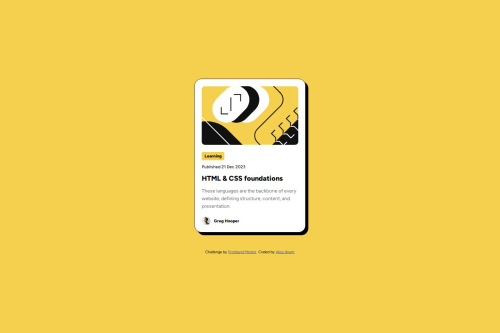
Blog Preview Card
accessibility, pure-css

@AlizaIkram
Solution retrospective
What are you most proud of, and what would you do differently next time?
I'm most proud of clean code and well structure of my code. I will practice more so i can get comfortable writing clean code by myself.
What challenges did you encounter, and how did you overcome them?I encounter one problem when i added <a> tag in the h1 tag. The decorations were visible though i tried to make it none. Also, all the stylings were not implementing on the h1 tag. So i searched and found that i should style the a tag first when writing like this :
.card-content > a > h1 { .. }- Also, separately i wrote:
.card-content > a { text-decoration: none; color: inherit; }
I just need feedback on my code for well strcuture approach and responsiveness. I would appreciate it.
Code
Loading...
Please log in to post a comment
Log in with GitHubCommunity feedback
No feedback yet. Be the first to give feedback on Aliza Ikram's solution.

Join our Discord community
Join thousands of Frontend Mentor community members taking the challenges, sharing resources, helping each other, and chatting about all things front-end!
Join our Discord