

Landing page created with Gatsby, hooked up with Dato CMS

Solution retrospective
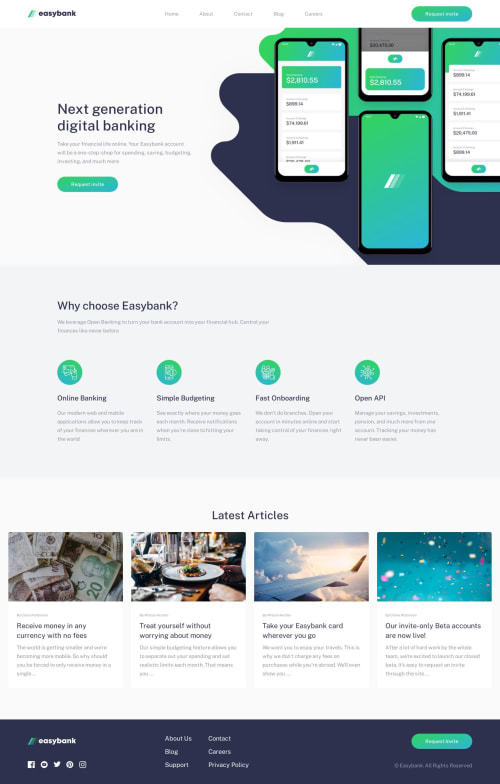
Hey, I've finished the Easybank landing page challenge. I've created this page using Gatsby (my very first Gatsby project). I added a little feature - hooked the site up with Dato CMS, where I put all the blog posts and created pages for these posts using Gatsby Create Pages. I've got some trouble styling the hero image in the header - I couldn't figure out how to show the overflow on the bottom and hide it on the top (even if I tried overflow-y: visible, hoping that it will hide under the fixed navbar, it turned into a scroll). Any tips on how to fix that?
Please log in to post a comment
Log in with GitHubCommunity feedback
No feedback yet. Be the first to give feedback on jakubfiglak's solution.

Join our Discord community
Join thousands of Frontend Mentor community members taking the challenges, sharing resources, helping each other, and chatting about all things front-end!
Join our Discord