

Product preview card component challenge

Solution retrospective
I figured out how to use <picture> and srcset properly for different screen sizes. Next time I’m hoping to try Sass to make my styles more organized.
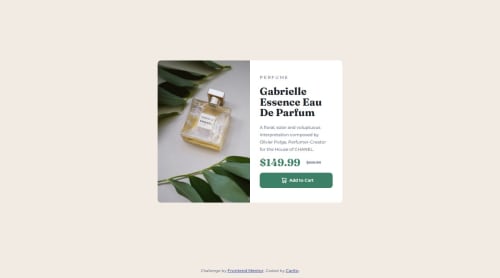
One challenge I faced was getting the product image to align correctly and fill exactly half of the container without stretching or leaving empty gaps. I struggled with how object-fit, width, height, and flex interact. After experimenting and checking layout behavior in the browser, I realized that I needed to explicitly set both the image and its container to height: 100% and use object-fit: cover to achieve the desired result.
Please log in to post a comment
Log in with GitHubCommunity feedback
No feedback yet. Be the first to give feedback on carodg09's solution.

Join our Discord community
Join thousands of Frontend Mentor community members taking the challenges, sharing resources, helping each other, and chatting about all things front-end!
Join our Discord