

Submitted about 1 year agoA solution to the QR code component challenge
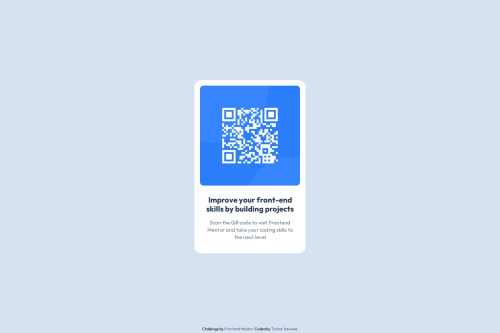
QR_Code card designing using CSS and HTML

@TusharKaundal
Solution retrospective
What are you most proud of, and what would you do differently next time?
- Learned how to adjust footer to bottom while being the display property being defined as flex.
body {
    background-color: hsl(212, 45%, 89%);
    display: flex;
    align-items: center;
    justify-content: center;
    flex-direction: column;
    width: 100vw;
    height: 100vh;
}
footer {
    position: absolute;
    bottom: 5px;
}
- Will try to get better solution similiar cases with good solution
- Dont have a knowledge how to host/deploy website so learned it over by the helping links provided by FrontEnd Mentor
- Help in better solution for designing part of website
Code
Loading...
Please log in to post a comment
Log in with GitHubCommunity feedback
No feedback yet. Be the first to give feedback on Tushar Kaundal's solution.

Join our Discord community
Join thousands of Frontend Mentor community members taking the challenges, sharing resources, helping each other, and chatting about all things front-end!
Join our Discord