

Submitted almost 2 years agoA solution to the Blog preview card challenge
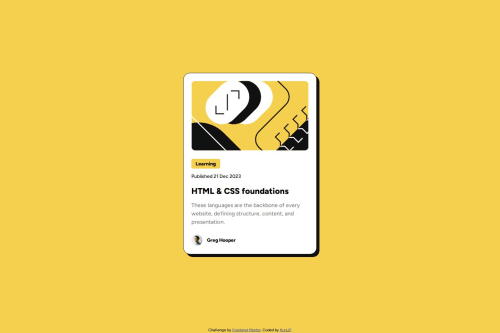
Responsive Blog Preview Card

@KurtJF
Solution retrospective
How can I affect another element when hovering another element? I wanted to also make the card box-shadow move when hovering h1.
I tried different variations of selectors but still doesn't work.
.h1:hover + .card {
color: var(--primary-color)
box-shadow: box-shadow: 15px 15px 0px 0px var(--text-color)
}
.h1:hover  .card {
color: var(--primary-color)
box-shadow: box-shadow: 15px 15px 0px 0px var(--text-color)
}
Code
Loading...
Please log in to post a comment
Log in with GitHubCommunity feedback
No feedback yet. Be the first to give feedback on KurtJF's solution.

Join our Discord community
Join thousands of Frontend Mentor community members taking the challenges, sharing resources, helping each other, and chatting about all things front-end!
Join our Discord