


Solution retrospective
Please no copy/paste comments. :)
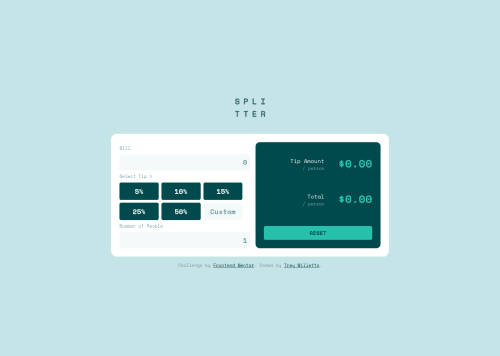
The main area I struggled in was with the tip buttons. It all works. But is there a better way to deal with both assigning values and giving them an "active" color?
HTML Buttons all looked like this:
<button
            type="button"
            class="tip-percent-input"
            onClick="reply_click(this.value)"
            value="0.05"
          >
            5%
</button>
These are the 2 main JS sections for the buttons
//Assigning the button value
function reply_click(clicked_id) {
  tipPercent = Number(clicked_id);
  calcTip();
}

//Assigning the button color on click
tipButtons.forEach(input =>
  input.addEventListener('click', function () {
    for (const e of tipButtons) {
      e.classList.remove('btn-selected');
    }
    input.classList.add('btn-selected');
  })
);
Code
Loading...
Please log in to post a comment
Log in with GitHubCommunity feedback
No feedback yet. Be the first to give feedback on Trey's solution.

Join our Discord community
Join thousands of Frontend Mentor community members taking the challenges, sharing resources, helping each other, and chatting about all things front-end!
Join our Discord