


What is Tailwind CSS?
Tailwind CSS is a utility-first CSS framework, which means you style elements by adding small, single-purpose classes in your HTML. Each class does one job. flex sets display: flex, px-4 adds 1rem of horizontal padding, and hover:bg-sky-700 changes the background color on hover.
<button
  class="rounded bg-sky-500 px-4 py-2 text-white hover:bg-sky-700"
>
  Save changes
</button>
Adam Wathan and a small team released the first version in 2017, and his company, Tailwind Labs, maintains it. Tailwind ships with a default theme of colors, spacing, fonts and shadows, which is why classes like bg-sky-500 work right away. Since v4, released in January 2025, you customize that theme in your CSS file with the @theme directive. Adding --color-brand: oklch(0.72 0.11 178); inside @theme gives you bg-brand and text-brand to use in your markup.
Why learn Tailwind CSS?
Tailwind's class names map closely to CSS properties, so it rewards what you already know about CSS. font-bold is font-weight: 700, and grid-cols-3 gives you a three-column grid. Responsive design happens in the same place: md:grid-cols-3 applies from the medium breakpoint up, so you style the small screen first and layer larger layouts on top, the mobile-first approach Tailwind is built around.
Your markup does get long class lists, and some developers find them hard to read. Tailwind also won't explain CSS to you. If you don't know what position: sticky or a grid track does, the class name won't help, so get comfortable with CSS first and treat Tailwind as a faster way to write it.
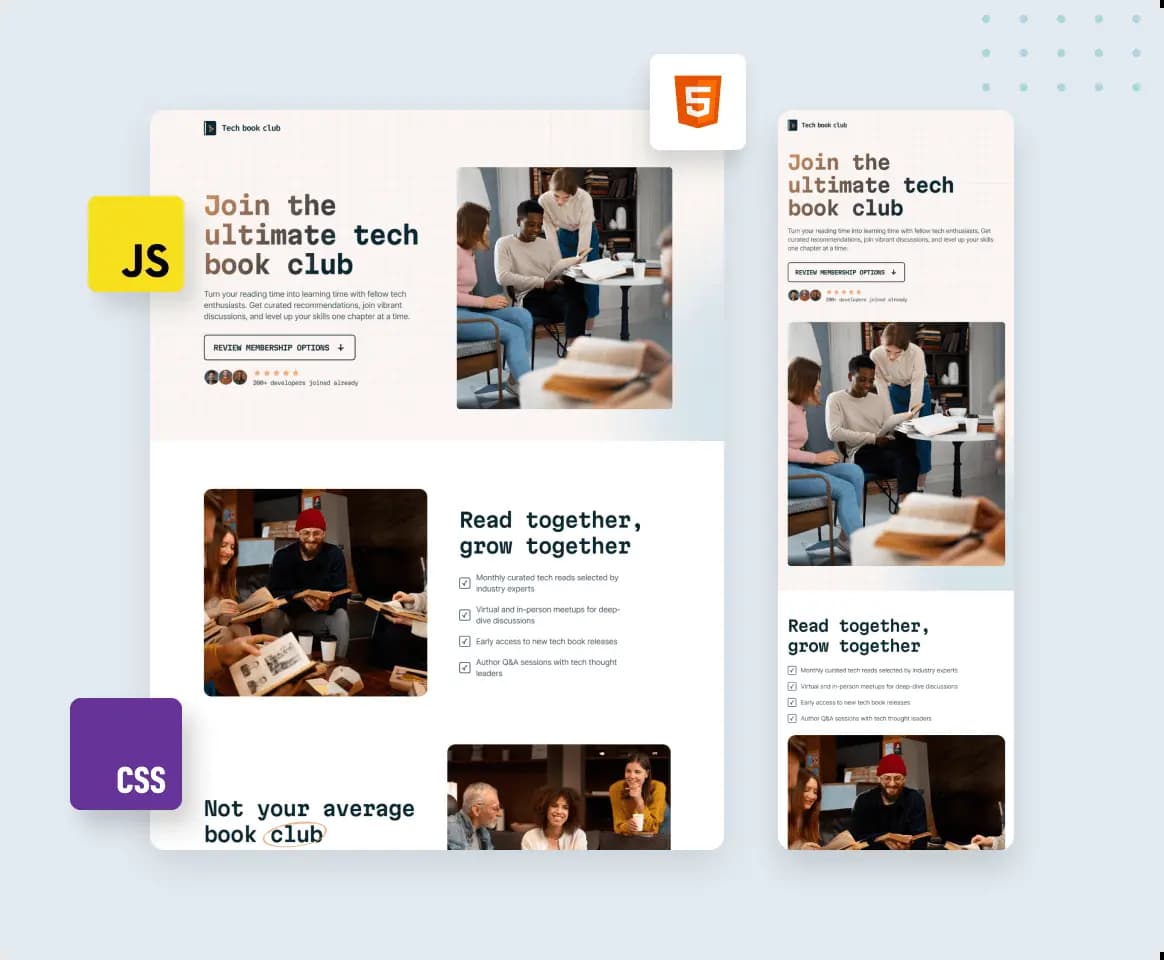
Practice Tailwind CSS on Frontend Mentor
Frontend Mentor challenges leave the stack up to you, and the layout-heavy ones make good Tailwind practice. Each has a design to match, so you'll see where the default theme needs extending.
Bento grid is all CSS Grid, so you'll use grid-cols-*, col-span-* and row-span-* with breakpoint variants to rearrange the cards at each screen size. Social media dashboard with theme switcher needs a manual dark mode toggle, which in v4 means redefining the dark variant with @custom-variant so it follows a class. Dictionary web app lets people switch between serif, sans-serif and monospace fonts, a good reason to set up your own font variables in @theme.
Take your Tailwind CSS skills further
Want a more structured approach? This learning path takes you through its challenges in order, from first principles to real-world projects.
Advanced CSS techniques
As you start building more complex projects, it helps to use defined strategies to keep your code organized. This path outlines key considerations and provides increasingly more difficult challenges to help you practice.
Challenges to practice Tailwind CSS with
Every challenge works with any tech stack. These are good ones to build with Tailwind CSS, from easiest to hardest.
- Free
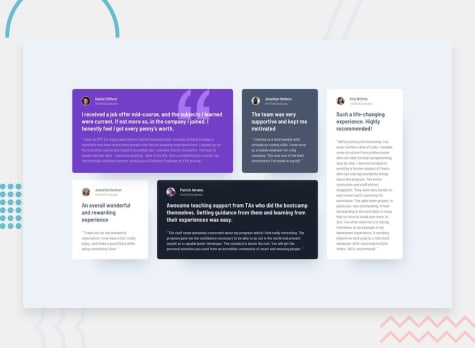
Testimonials grid section
- HTML
- CSS
juniorThis challenge will be perfect practice for anyone wanting to test their CSS Grid skills. Grid is such a powerful addition to CSS, so it's worth getting to grips with it!
- Free
Bento grid
- HTML
- CSS
juniorThis challenge is perfect for testing your CSS Grid and responsive skills with this bento grid layout.
- Free
Social media dashboard with theme switcher
- HTML
- CSS
- JS
juniorThis challenge will be a perfect chance to practice your Grid skills. The color theme switcher also adds a nice additional test.
- Free
Manage landing page
- HTML
- CSS
- JS
intermediateThis challenge will be a great test for your responsive skills. There are lots of small details and slight content shifts for different screen sizes.
- Premium
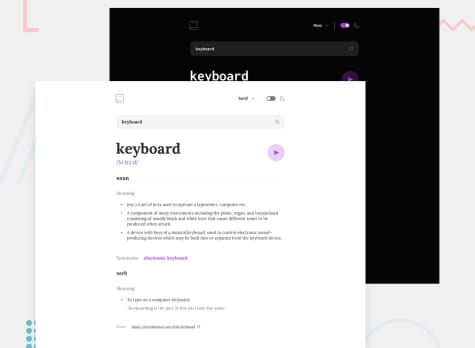
Dictionary web app
- HTML
- CSS
- JS
- API
intermediateIn this project, you'll integrate with the Dictionary API to create a real-world dictionary web app. Additional tests include colour themes and font selection.
- Premium
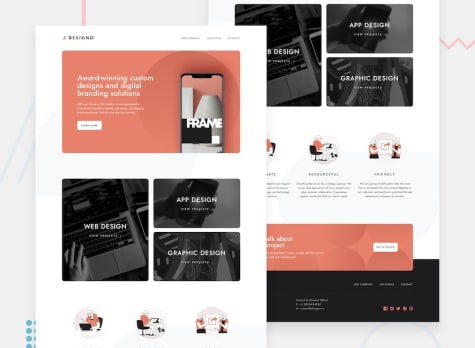
Designo multi-page website
- HTML
- CSS
- JS
guruThis one's a BIG project! This challenge includes 5 different templates that make up a 7-page site. A perfect portfolio piece to show how you build multi-page websites!



Solutions made with Tailwind CSS
Art gallery website
#accessibility#next#react#typescript#tailwind-cssLVL 5Submitted about 18 hours agoResponsive website using Next.js, Tailwind, TypeScript, Zustand
#next#typescript#tailwind-css#zustand#react-hook-formLVL 4PSubmitted 1 day agoResponsive Space Tourism Multipage with React and React Router
#react#react-router#typescript#tailwind-css#viteLVL 3PSubmitted 1 day ago


Related technologies
What is Bootstrap?
Bootstrap is a free CSS and JavaScript toolkit with a 12-column grid and ready-made components like navbars, modals and carousels, applied with classes.
What is Next.js?
Next.js is a React framework for full-stack web apps. Its App Router turns folders into routes and renders pages as React Server Components by default.
Join 1,204,964 people building portfolio-worthy projects
Our highly supportive, positive community is here to help you improve your skills. We all try to help each other out wherever possible. We’d love to welcome you to our community!
Log in with GitHub